- Uncategorized
- Sep 01, 2025
Computer Vision for Photo Processing: what it is and how it’s used
Most systems today deal with images in one way or another. Photos from users, scans of documents, site images, screenshots, inspection photos. The volume is usually too high for people to review everything manually, and that’s where computer vision comes in.
Computer vision in photo processing is not about creativity or interpretation. It’s about extracting useful signals from images so software can make basic decisions without human involvement. What’s in the photo. Whether it meets requirements. Whether it should be accepted, rejected, flagged, or passed further down the workflow.
In practice, computer vision works quietly. If it’s doing its job well, most users don’t even notice it’s there.
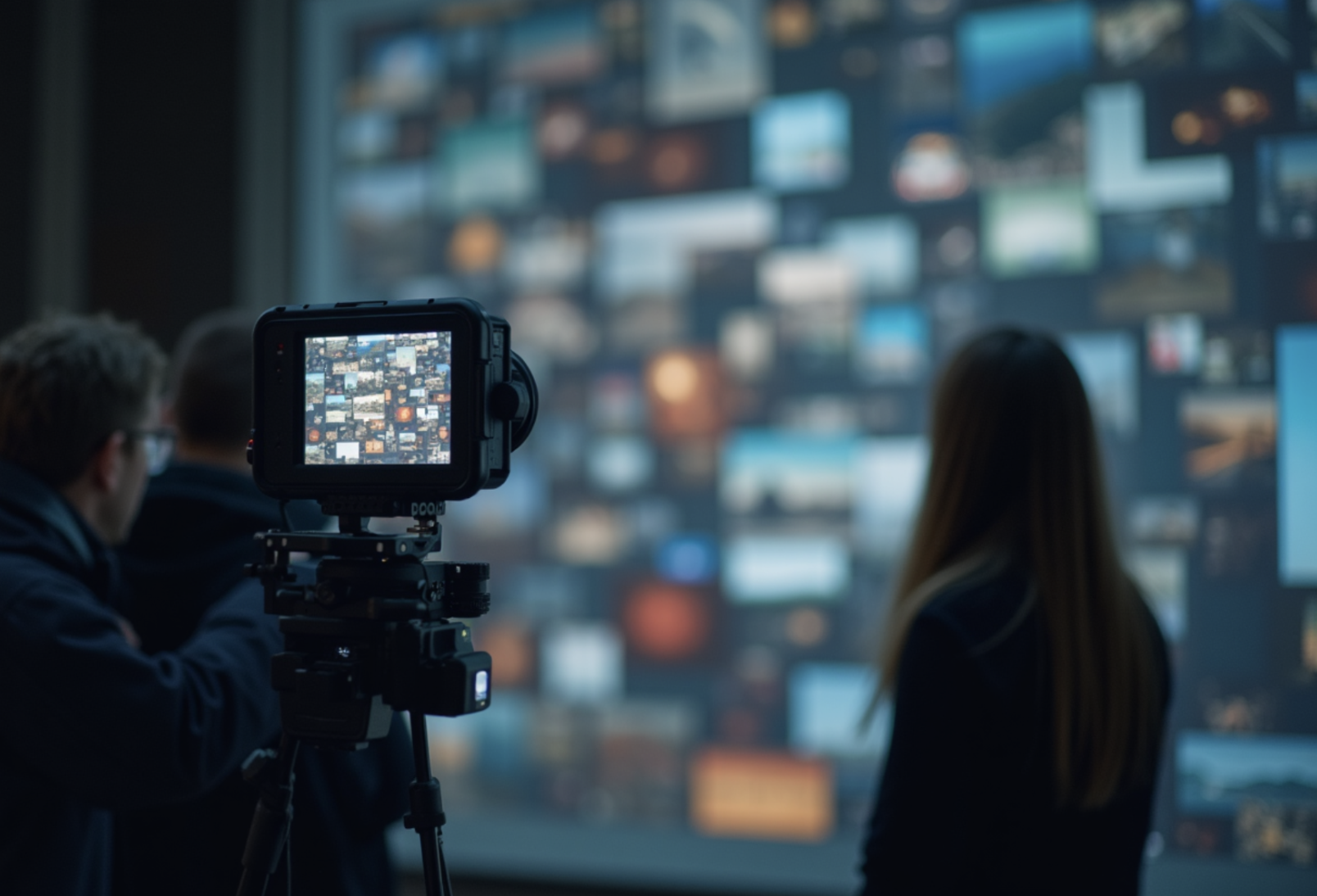
What computer vision does with images
At a technical level, computer vision software treats images as structured input. Pixels, patterns, shapes, spatial relationships. From that, it learns to recognize certain visual features and react to them.
In real systems, this usually shows up as image recognition tasks like sorting photos by content, checking quality, or extracting specific visual elements. The system doesn’t understand the image. It applies trained rules consistently, which is often enough. That consistency is the main advantage. A human reviewer gets tired. A computer vision model doesn’t.
Object detection in real photo workflows
Object detection is one of the most common building blocks in computer vision development. It’s used whenever a system needs to locate specific elements inside an image. Not just identify that something is present, but where it is and how many times it appears.
In photo processing, object detection is used in very practical ways. Detecting whether required items appear in a photo. Checking if safety equipment is visible. Finding damage, missing parts, or unexpected objects. Locating faces, text areas, or specific regions that need further processing.
Object detection works best when the task is clearly defined. The system doesn’t decide whether something is good or bad in a human sense. It answers narrower questions like whether a specific object is present or whether an image follows an expected structure.
That limitation is intentional. On its own, object detection doesn’t make decisions. It provides signals that other logic can act on, which is why it’s usually part of a larger workflow rather than a standalone feature.
Improving photo quality automatically
Another common use of computer vision in photo processing is basic quality control. The system can check for issues like blur, poor lighting, bad framing, or missing elements. Small problems can often be corrected automatically. Larger ones are flagged early or rejected outright, before they cause trouble later.
This matters most in workflows where images are required inputs, not just optional attachments. Instead of relying on users to guess what’s acceptable, the system applies the same standards every time, quietly in the background.
The practical result is less back and forth and far fewer unusable images making their way into the system.
Turning images into usable data
One of the more valuable outcomes of computer vision development is what happens after detection works reliably.
At that point, photos stop being static files and start behaving like data. Objects can be counted. Regions can be measured. Images can be searched, compared, and linked to specific records, locations, or timestamps. Changes across photos can be tracked over time, and anomalies can surface without someone manually reviewing everything.
That shift is subtle, but important. It’s where photo processing moves from simple automation to something that actually supports analysis and decision making, instead of just storage. This is where computer vision in photo workflows becomes more than convenience. It starts supporting operational decisions instead of just storage.
Where computer vision fits in modern systems
Computer vision works best when expectations are realistic. It’s strong at repetitive visual tasks with clear rules. It struggles with ambiguity and subjective judgment. That’s why most effective systems use it as a first layer, not the final authority.
In practice, computer vision software does the first pass. It filters images, categorizes them, and flags anything that looks off. People step in only when something doesn’t fit the rules or when a decision actually carries consequences. That division of work keeps systems efficient without pushing risk onto automation where it doesn’t belong.
Conclusion: why it matters
Computer vision for photo processing matters for a simple reason. The amount of visual data keeps growing, and handling it manually stops working very quickly.
When it’s set up properly, computer vision reduces noise and keeps workflows moving. It handles the repetitive checks and sorting that slow teams down, without trying to replace judgment or decision-making. People stay involved where context and responsibility matter.
That’s what makes computer vision not something flashy or experimental, but a practical part of keeping image-heavy systems usable at scale.


Comments (0)