
Slazzer App
All-in-one AI photo editor
 New Version – v5.0.1Beta
 Old Version – v4.0.0










Our computer vision algorithms, trained using the latest trends in AI technology, can handle any foreground subject, such as people, animals, cars, and products with exceptional accuracy.

Our app quickly and efficiently removes backgrounds from your images in just a few seconds, saving you an incredible amount of time and effort.

Easily remove the backgrounds from as many files as you want by dragging them into the application window. Just click "Start" and watch as each image gets cut out perfectly, 100&{}utomatically.

Choose from a transparent or colored background, or select a small or large image size to suit your needs. With just a few clicks, you can have these changes automatically apply to all your images.
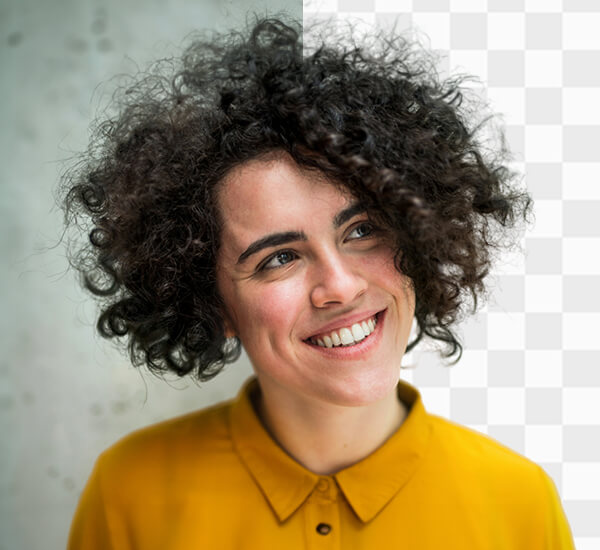
Get precise cut-outs powered by artificial intelligence that can be used to edit product photos, portraits, or anything else. Even hair and other difficult conditions, such as curved edges, are handled perfectly.
See it yourself
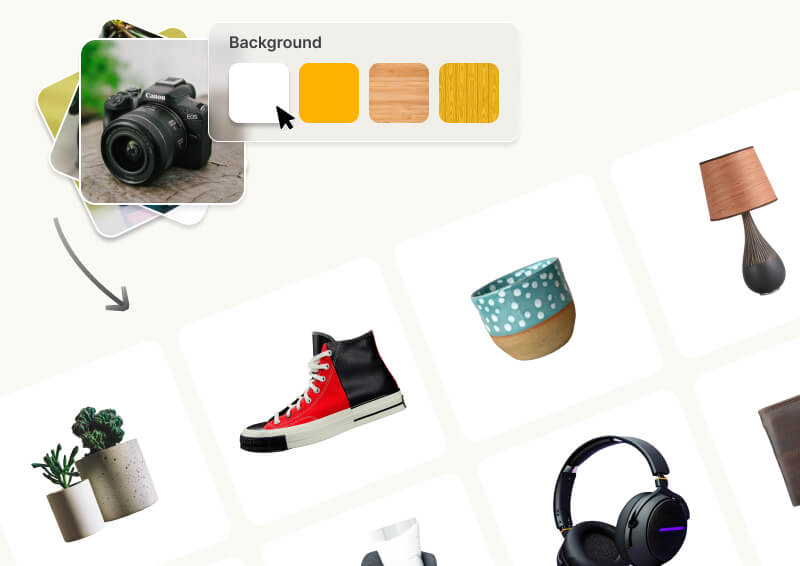
Drag entire folders. AI removes all backgrounds automatically while you work on something else. Perfect for e-commerce catalogs, product shoots, and bulk editing.

Enhance resolution, fix lighting, sharpen details—all automatic. Turn mediocre product shots into professional imagery buyers trust.


No manual shadow painting. AI analyzes your image and adds perspective-correct shadows that match the lighting. One click, perfect results.
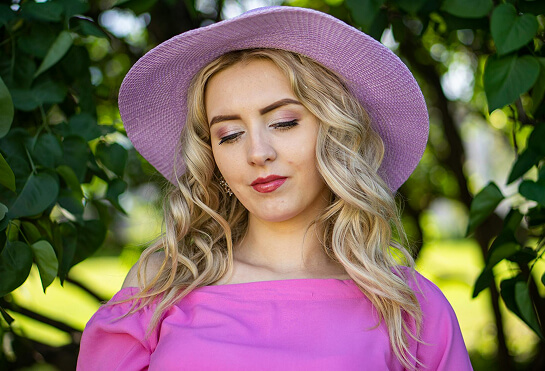
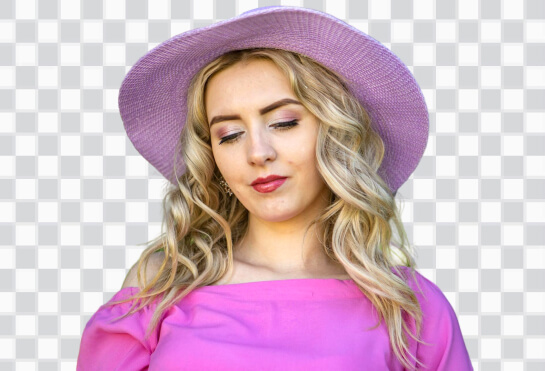
Remove any background in 2 seconds with pixel-perfect precision. Complex hair, transparent objects, intricate edges—AI handles it all automatically.

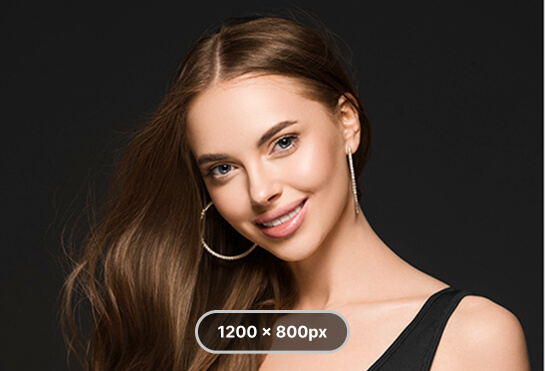
Transform low-res images into 4K quality. AI adds real detail, not blur—making phone photos sharp enough for large prints and professional use.


Add realistic shadows that match your lighting and perspective automatically. Products look naturally placed, not awkwardly floating on backgrounds.
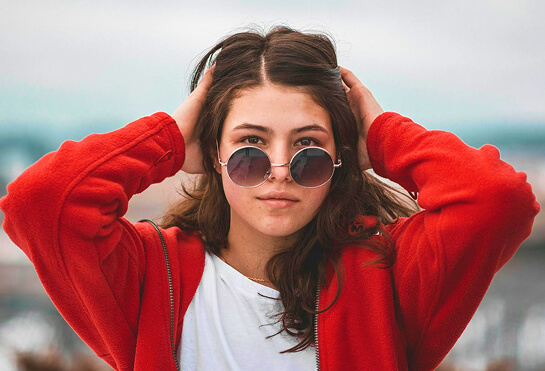
Fix lighting, boost colors, sharpen details, and reduce noise—all automatically. Turn mediocre shots into professional-quality images in one click.
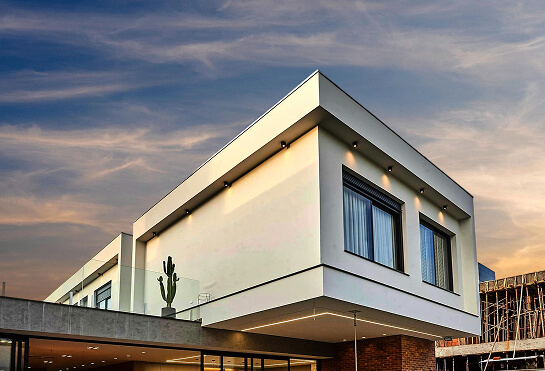
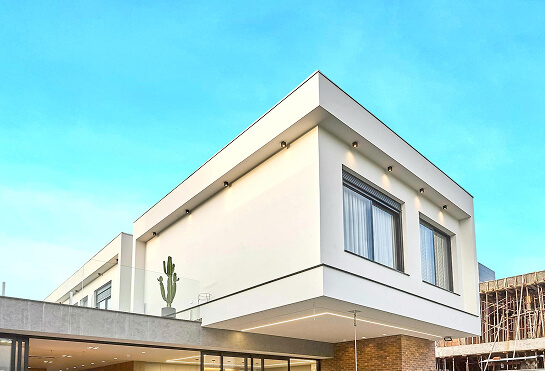
Swap boring gray skies for dramatic sunsets, blue skies, or starry nights. AI matches lighting and perspective automatically for seamless results.

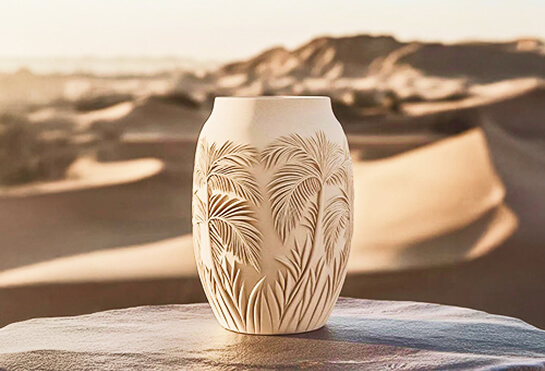
Fix underexposed, overexposed, or poorly lit photos automatically. AI adjusts lighting zones intelligently to reveal details and balance exposure.
Slazzer Desktop App is an advanced AI-powered image editing tool that lets you remove backgrounds, upscale photos, enhance images, relight scenes, restore old photos, replace skies, and more — directly on your computer.
Slazzer Desktop App is available for:
The app includes:
Yes, an active internet connection is required.
Yes
Background Removal and Image Upscaling support batch processing.
Yes. All image processing is encrypted, and Slazzer does not store images after processing.
Slazzer supports: PNG, JPG, JPEG, WEBP
Yes. Users must log in or use their API key to access All features.
Support is available via email and the official Slazzer support.


 Background
 Paint/Erase

 insufficient credits or plan validity expired